
Stock images are convenient but often generic, time-consuming to customize, and weak at reflecting a unique brand identity. AI Copilot in an image creator changes the game: it generates tailored visuals that are on-brand, relevant, and efficient to produce. Below is a ready-to-publish blog draft that highlights why teams should choose Copilot-driven image creation over traditional stock imagery.
Why Stock Images Fall Short
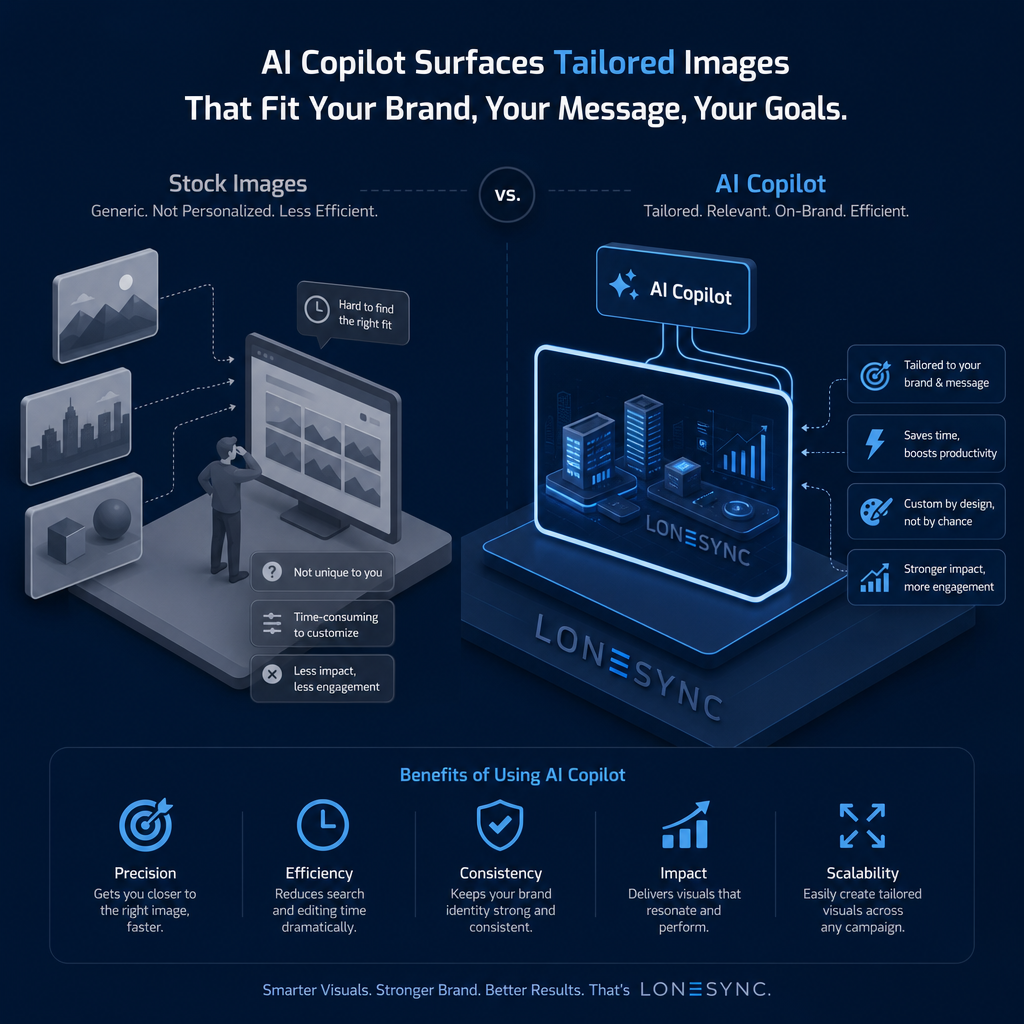
*Generic and not personalized: Stock libraries contain broad, one-size-fits-all visuals that rarely match brand voice or message.
*Hard to find the right fit: Searching for images that align, wastes time and often compromises.
*Time-consuming to customize: Designers spend extra hours editing to make stock images work.
*Lower impact and engagement: Generic visuals tend to blend in and underperform bespoke creative.
How LoneSync Copilot Changes Visual Creation
Image Creator produces visuals that are purposely designed for your brand and campaign goals. Instead of adapting stock assets, Copilot surfaces images tailored to your brief—so every visual is relevant from the start.
Key Benefits of Using AI Copilot
*Precision: Helps you get closer to the exact image you need, reducing iterations and guesswork.
*Efficiency: Cuts down search and editing time dramatically, freeing teams to focus on strategy.
*Consistency: Keeps brand identity strong and uniform across visuals, ensuring cohesive campaigns.
*Impact: Produces visuals that resonate with the target audience and perform better in engagement.
*Scalability: Easily create tailored visuals at scale for multiple campaigns, formats, and channels.
Business Outcomes You Can Expect
*Faster time-to-market for campaigns because images are generated to spec.
*Higher engagement and stronger brand recognition from consistent, relevant imagery.
*Fewer creative bottlenecks and lower production costs due to reduced manual editing.
Practical Use Cases
*Campaign creative that needs specific objects, color palettes, or layouts aligned to brand guidelines.
*Product launches where visuals must reflect exact specs and environment settings.
*Social media and ads where optimized, on-brand imagery increases click-through and conversion.
Tips for Getting the Most from Your LoneSync Copilot
*Provide clear briefs: The more specific your prompt (tone, colors, brand elements, composition), the better the output.
*Create and use brand presets: Lock in fonts, colors, and visual rules to ensure consistent results.
*Iterate quickly: Use Copilot’s outputs as a starting point, refine prompts or make minimal edits to reach final assets.
*Measure and optimize: Track engagement and conversion metrics to identify which image styles perform best and feed that back into your prompts.
Switching from stock images to LoneSync Copilot-driven Image Creator, moves your design from compromise to precision. You get tailored visuals that save time, strengthen brand consistency, and deliver measurable impact — all while scaling easily across campaigns. Try integrating Copilot into your creative workflow and see how custom-by-design visuals outperform “good enough” stock images.
View more about Image Creator here, and get Started with your 'Custom by Design'.