Easy to spin-up your site and critique anytime.
Personalize any aspect and make it your own.
Flexible to change plans up or down anytime.
1 - Log in to your Dashboard
- Use Sign-in upper-right here.
- Select Dashboard Sign-in
2 - Create and Manage Site
- Select Manage with myPlatform
- Select Custom Services > Website Builder
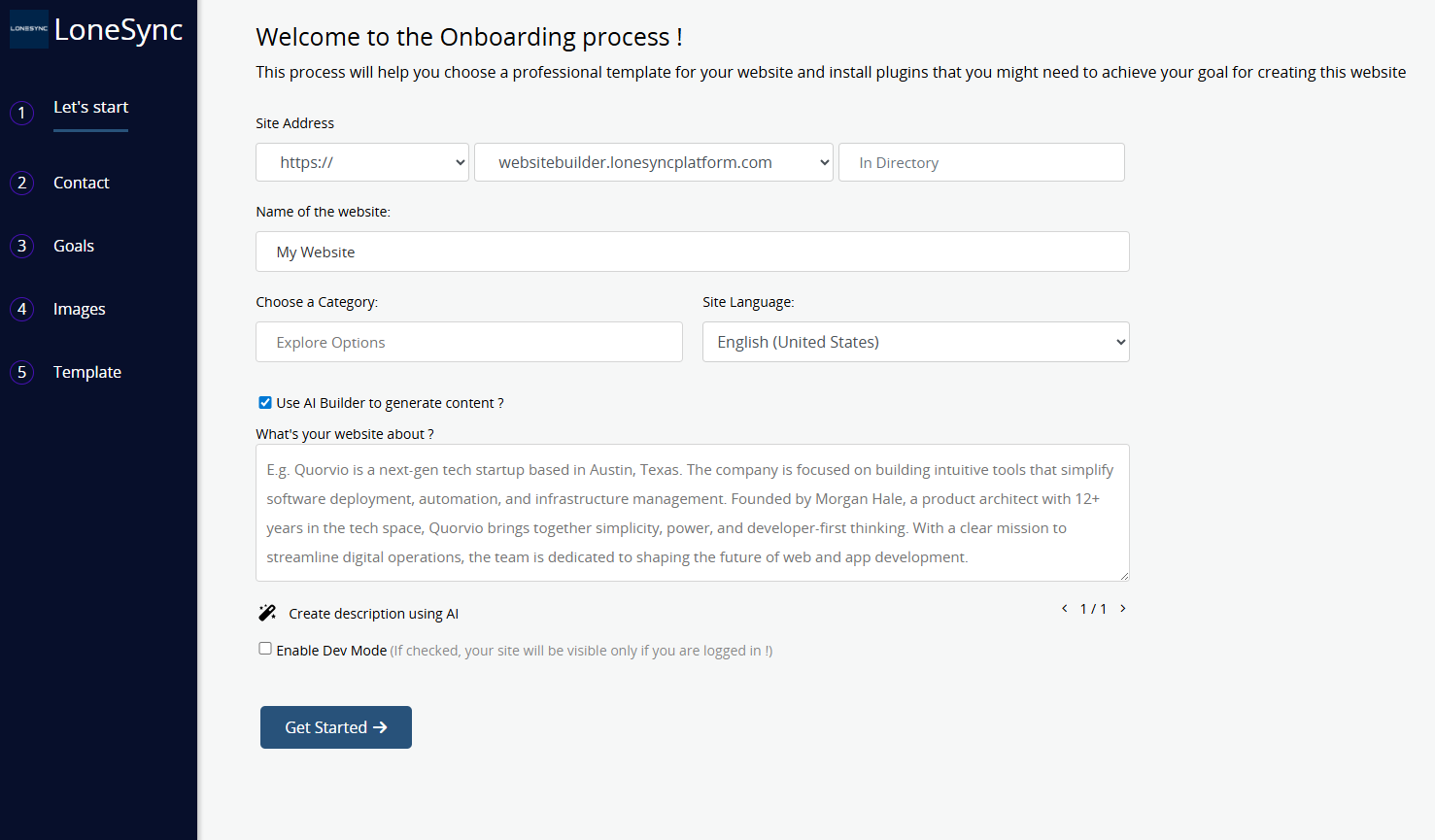
3 - Select Create/Add Site
- Enter details to Get Started
- Step through to site design
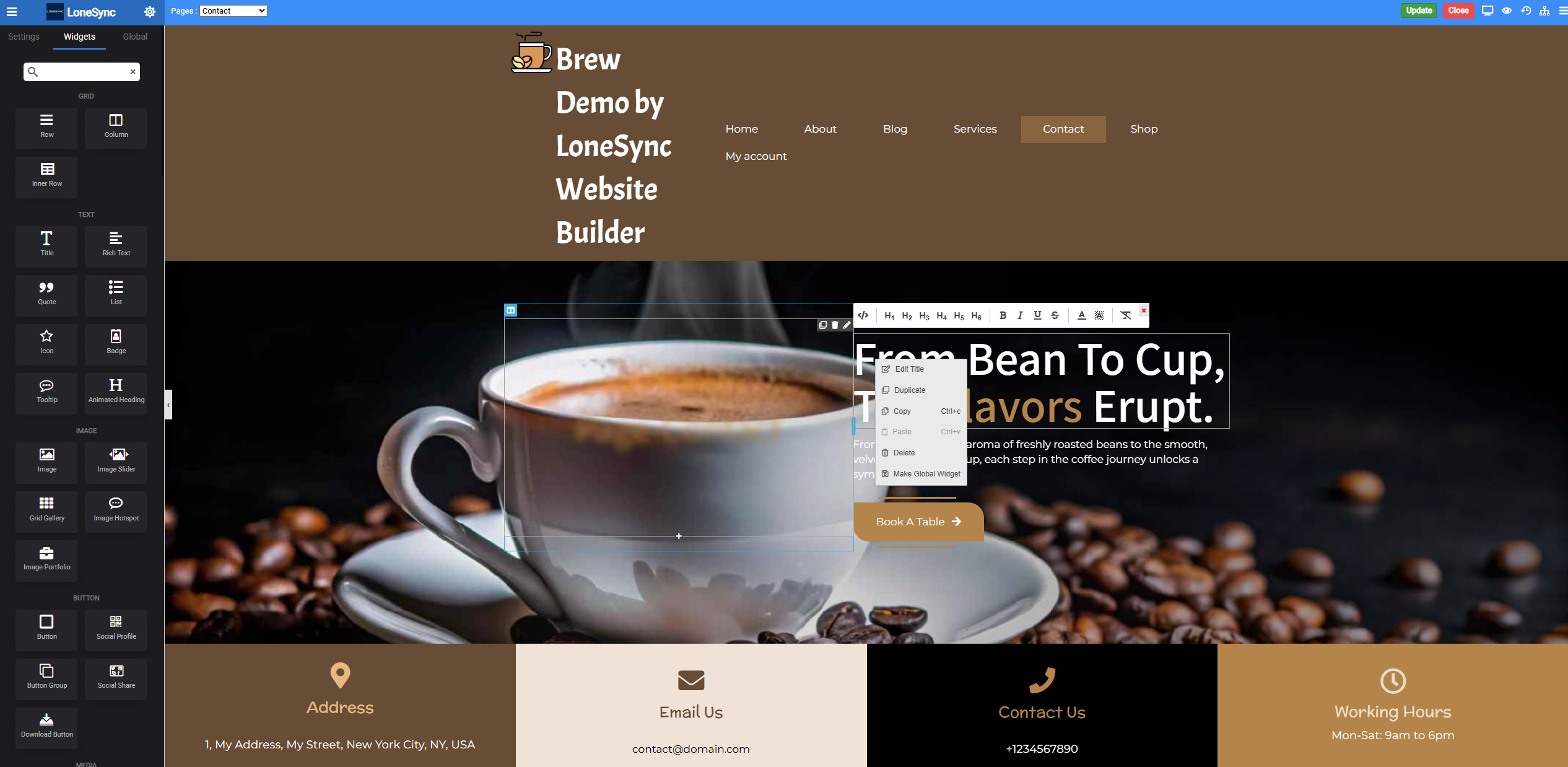
4 - Tailor within Designer.
- Once site is provisioned, designer opens automatically.
- Tailor any site content, layout to make it your own design.
- Access Designer anytime to continue, and for future adjustments to your website.
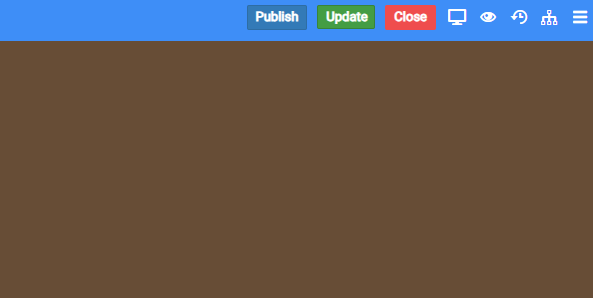
5 - Update & Publish Design
- Update Design as you Go.
- Publish when ready to make it Public.